Secure remote access without open management ports, shared credentials, or unrecorded sessions. MikroWizard PAM covers SSH, Telnet, RDP, VNC, WebBox and WebFig in the browser, for MikroTik and for any other servers or network devices. Enforce remote Winbox 2FA via a built-in RADIUS server, kernel-level command blocking, session DLP policies, and recording for every protocol.
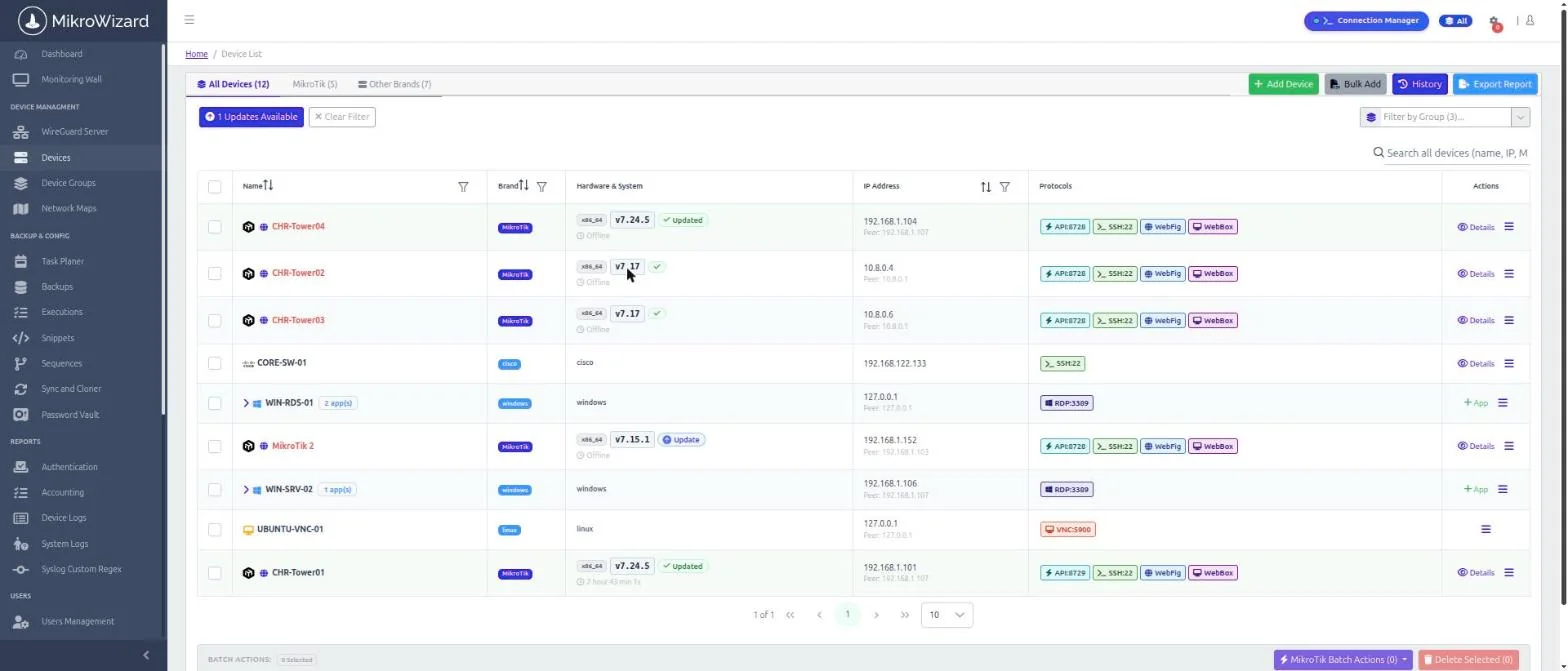
New in v2.1.0: browser RDP & VNC, WebBox (WinBox in the browser) and session DLP (Pro). Read the release notes →
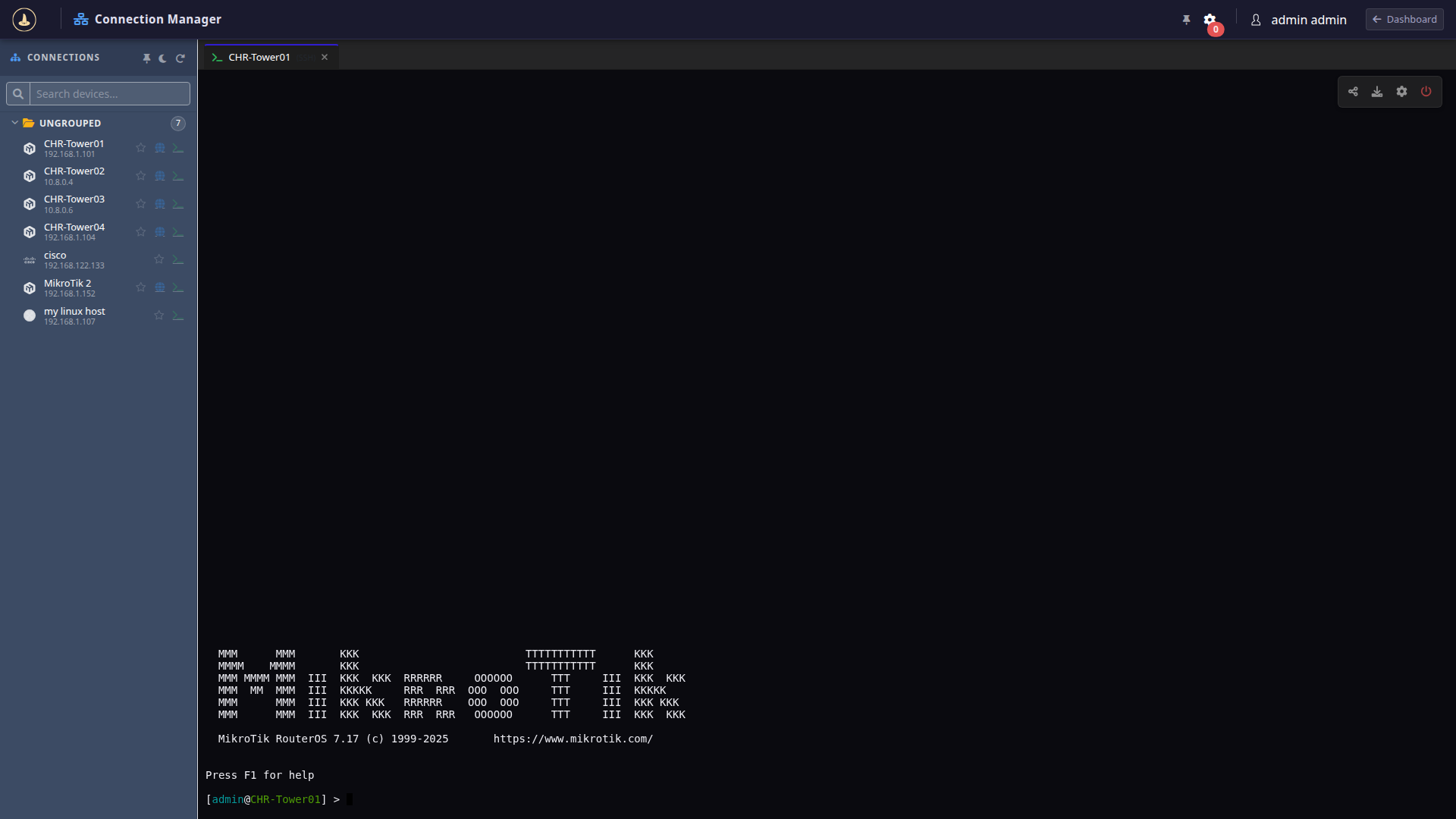
Engineers open terminal sessions directly in their browser powered by xterm.js over WebSockets. Router passwords are envelope-encrypted in the vault and injected into sessions automatically without user exposure.
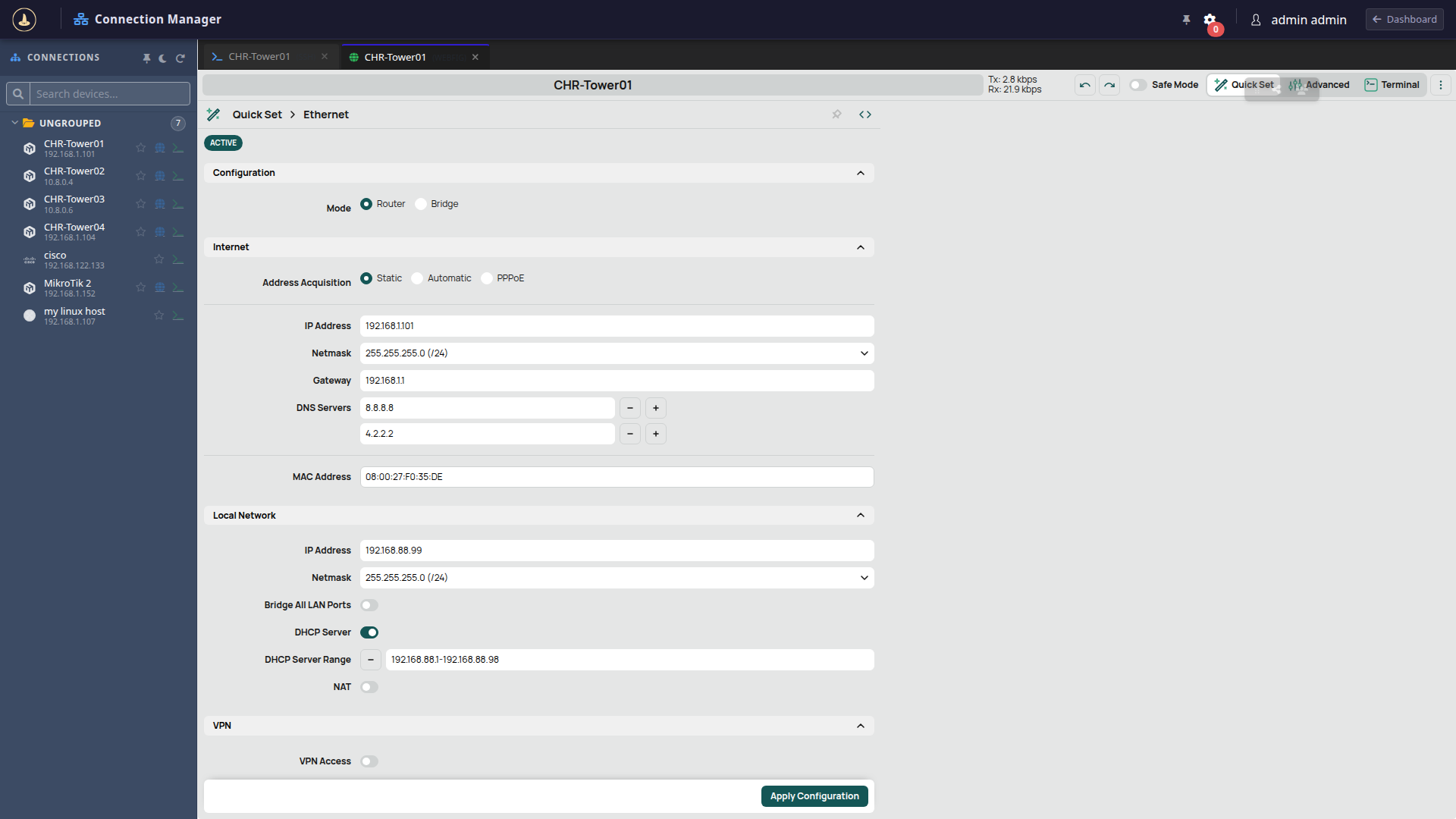
Access the full graphical MikroTik WebFig interface for any router in your fleet without configuring firewall NAT port forwardings or assigning static public IPs to edge devices.
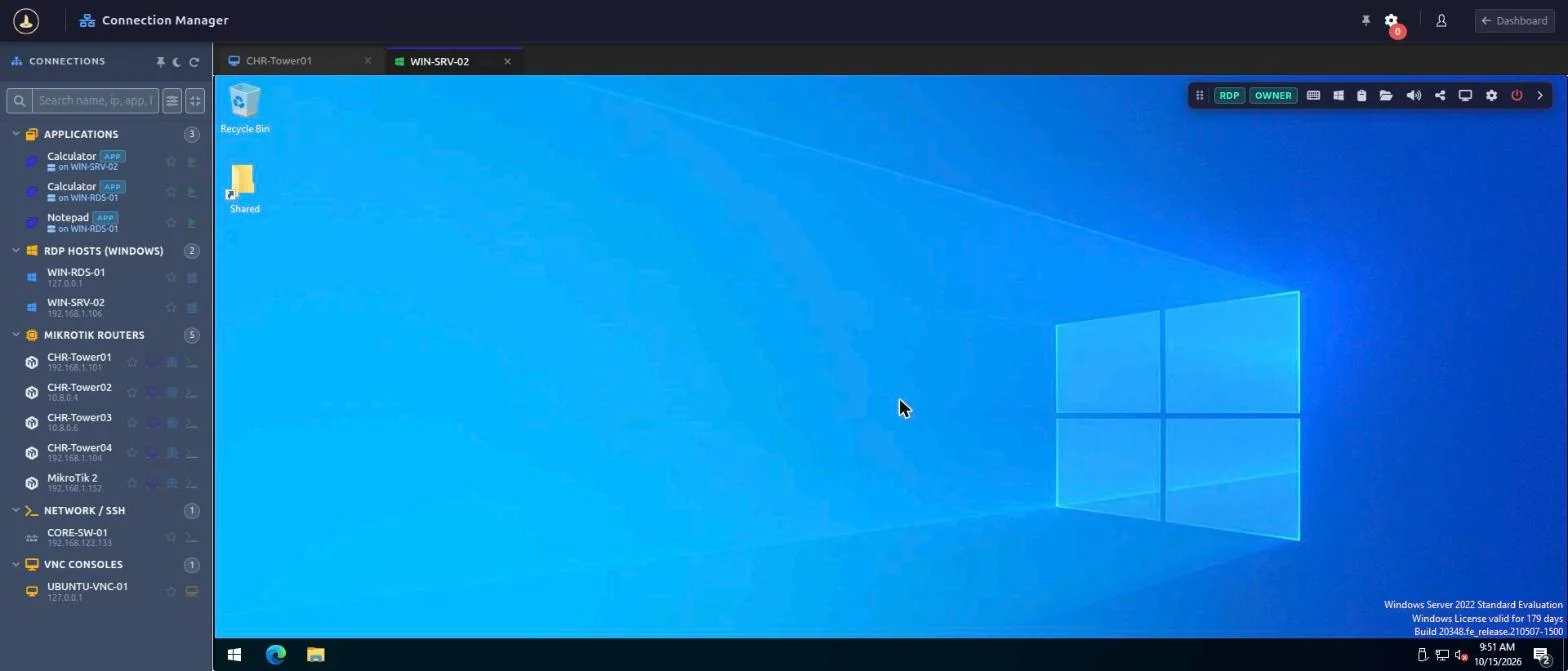
Open RDP and VNC desktop sessions from the Connection Manager, right next to SSH, Telnet and WebFig. Sessions run as HTML5 in the browser, so operators install nothing. RDP and VNC work with any Windows or Linux host; they are not limited to MikroTik.
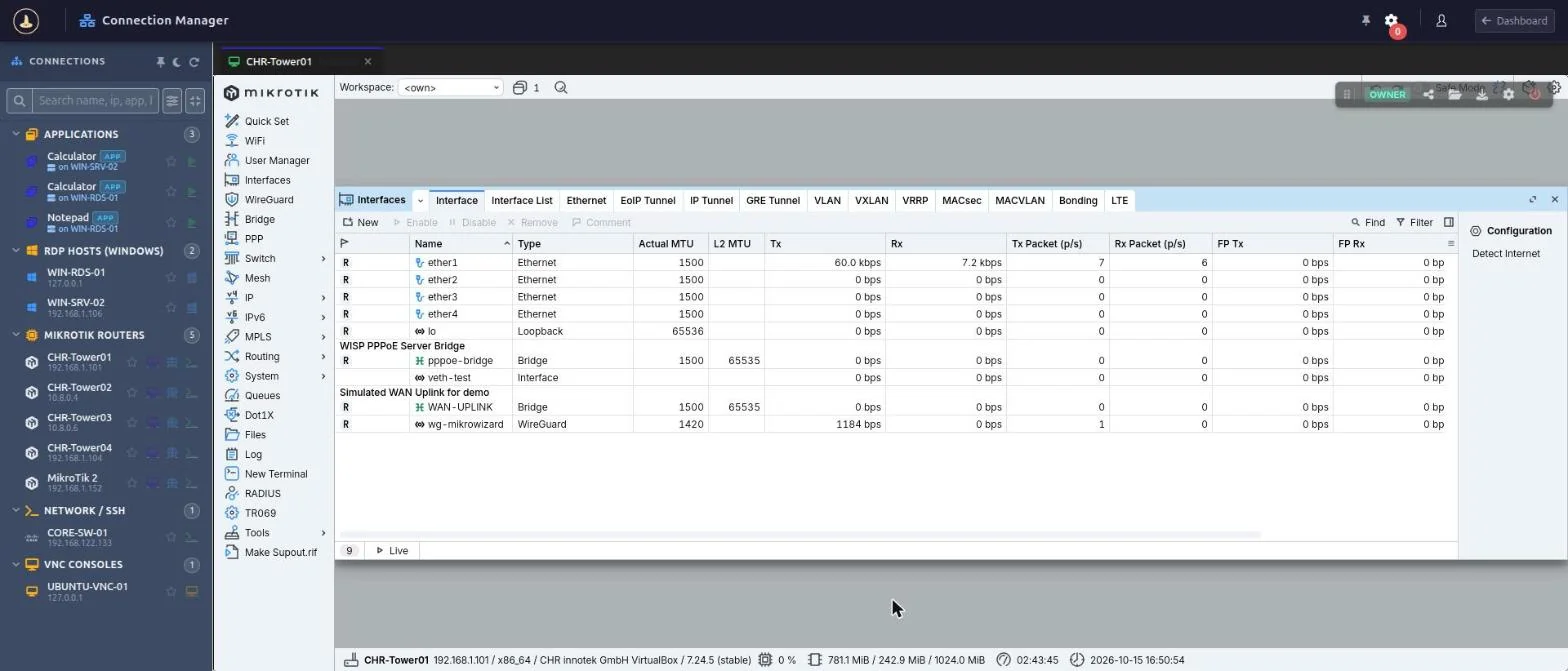
WebBox is web WinBox for MikroTik devices. The gateway runs MikroTik's WinBox 4 for Linux in an isolated sandbox and streams it to the browser, so operators need no local WinBox install and the WinBox port is never exposed to them.
Publish single applications from an RDP host as child entries nested under the server; they inherit its IP. Separate CLI, RDP and VNC templates carry display and acceleration settings.
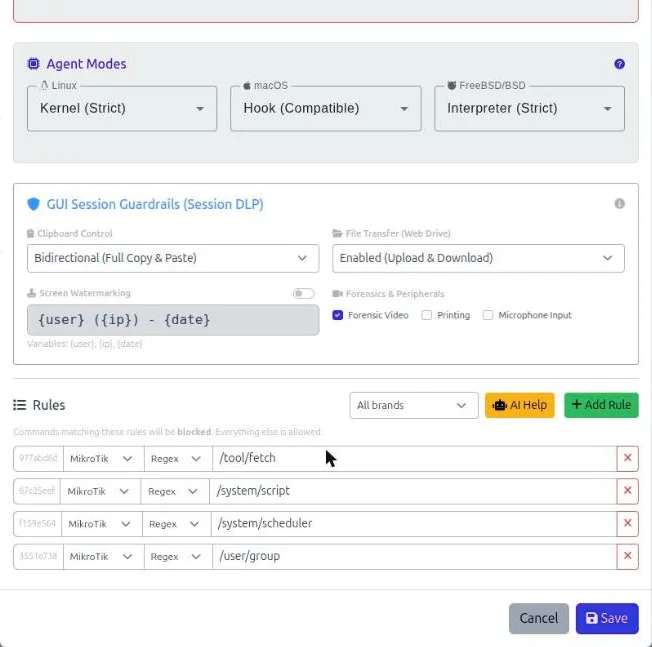
Control what can leave a privileged session. Each policy decides clipboard access, file transfer, watermarking and forensic recording for the sessions it applies to.
Prevent catastrophic operational accidents before they happen. Terminal sessions pass through a Linux daemon instrumented with ptrace system-call tracing that evaluates keystroke buffers against active regex policies.
rm -rf / or unauthorized reboots.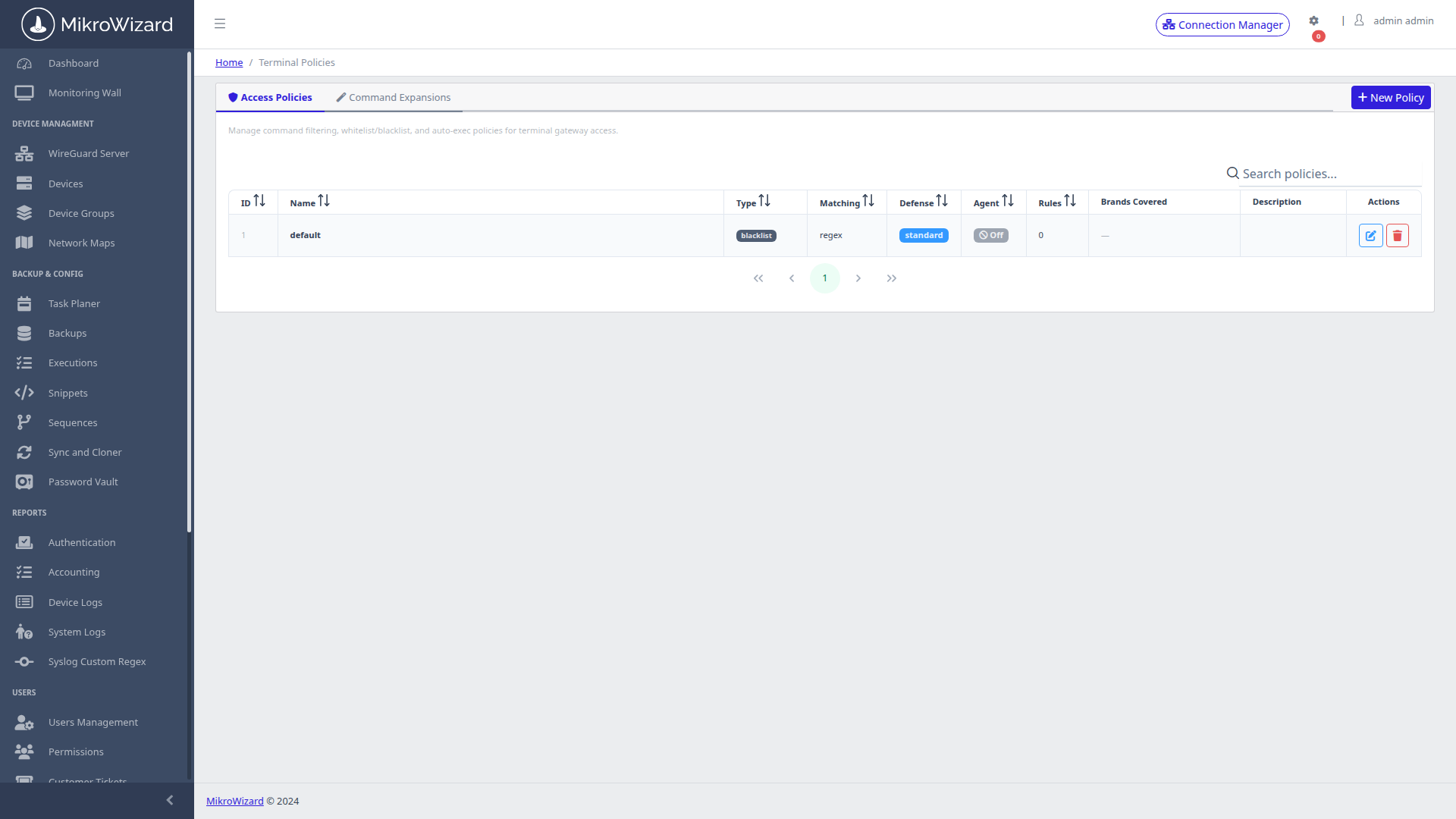
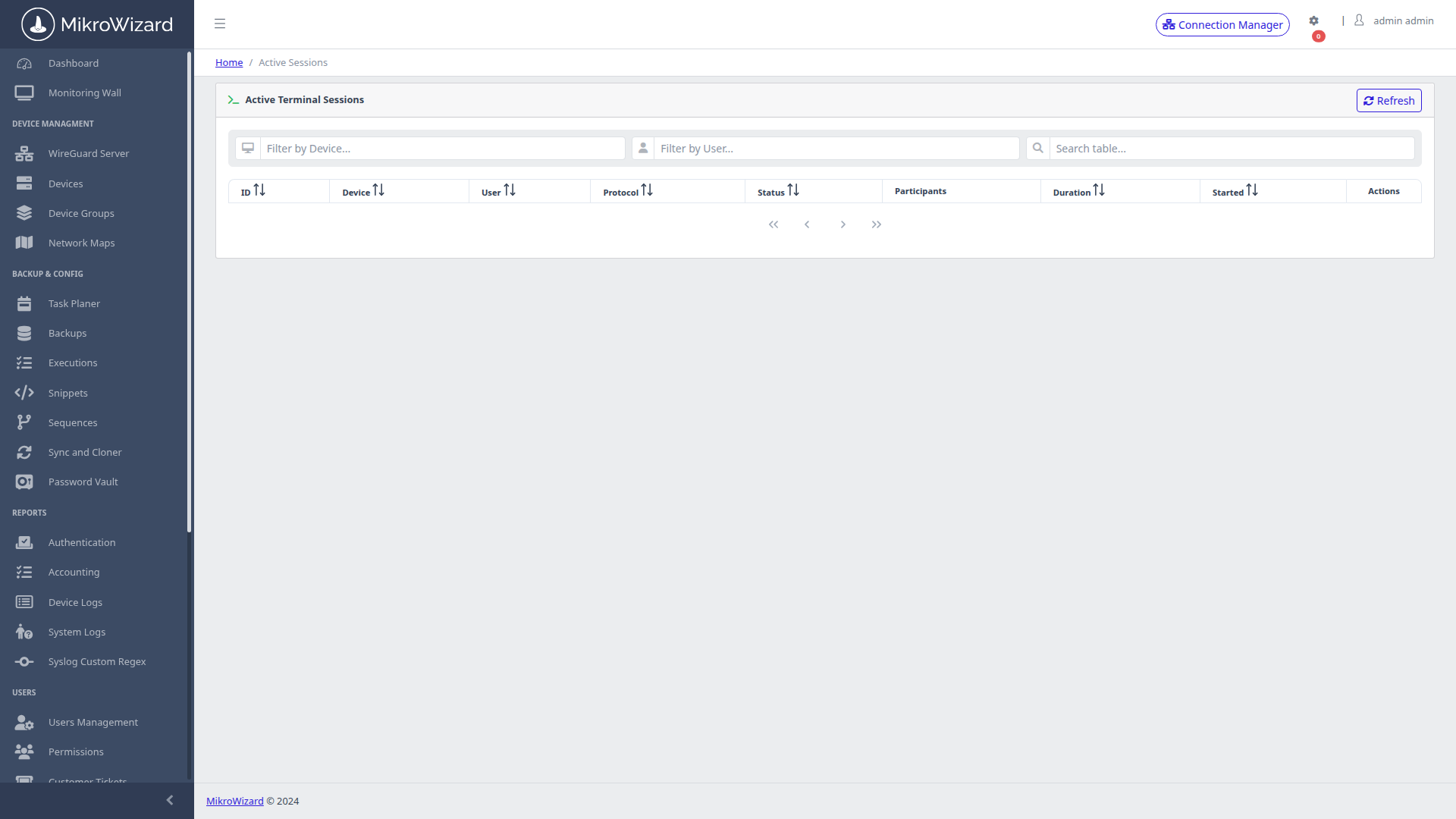
Troubleshoot complex network incidents together. Multiple engineers can connect to the same live CLI terminal simultaneously with defined role-based interaction permissions.
Every character typed and every output byte rendered during terminal sessions is captured in lightweight, tamper-evident Asciinema v2 format (.cast).
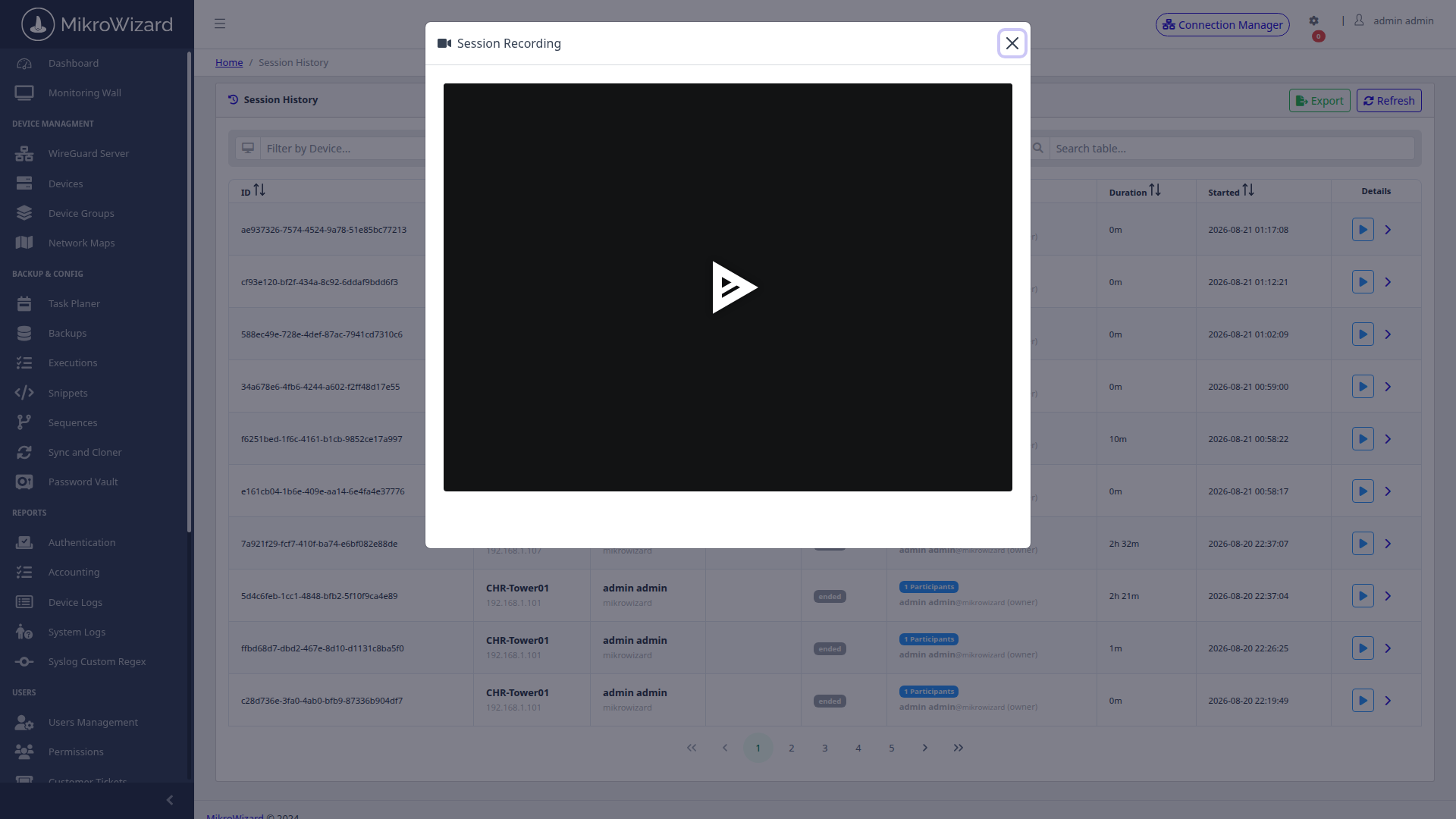
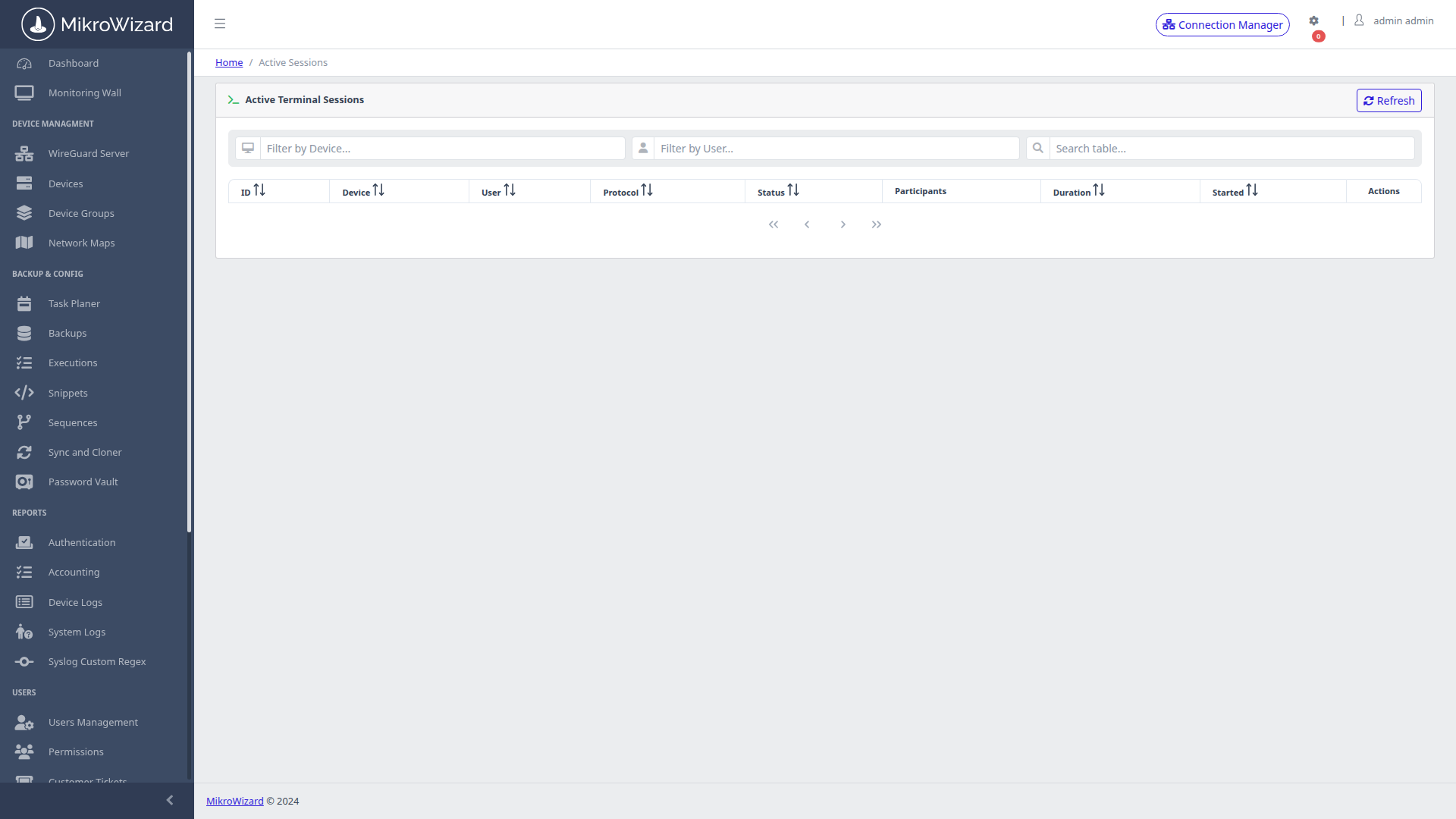
Security directors and NOC supervisors maintain live visibility over all active terminal sessions across the entire organization.
RouterOS natively lacks built-in dynamic Two-Factor Authentication. MikroWizard solves this with a built-in RADIUS server listening on standard RADIUS authentication ports.
Password+TOTP (e.g. MySecret123456).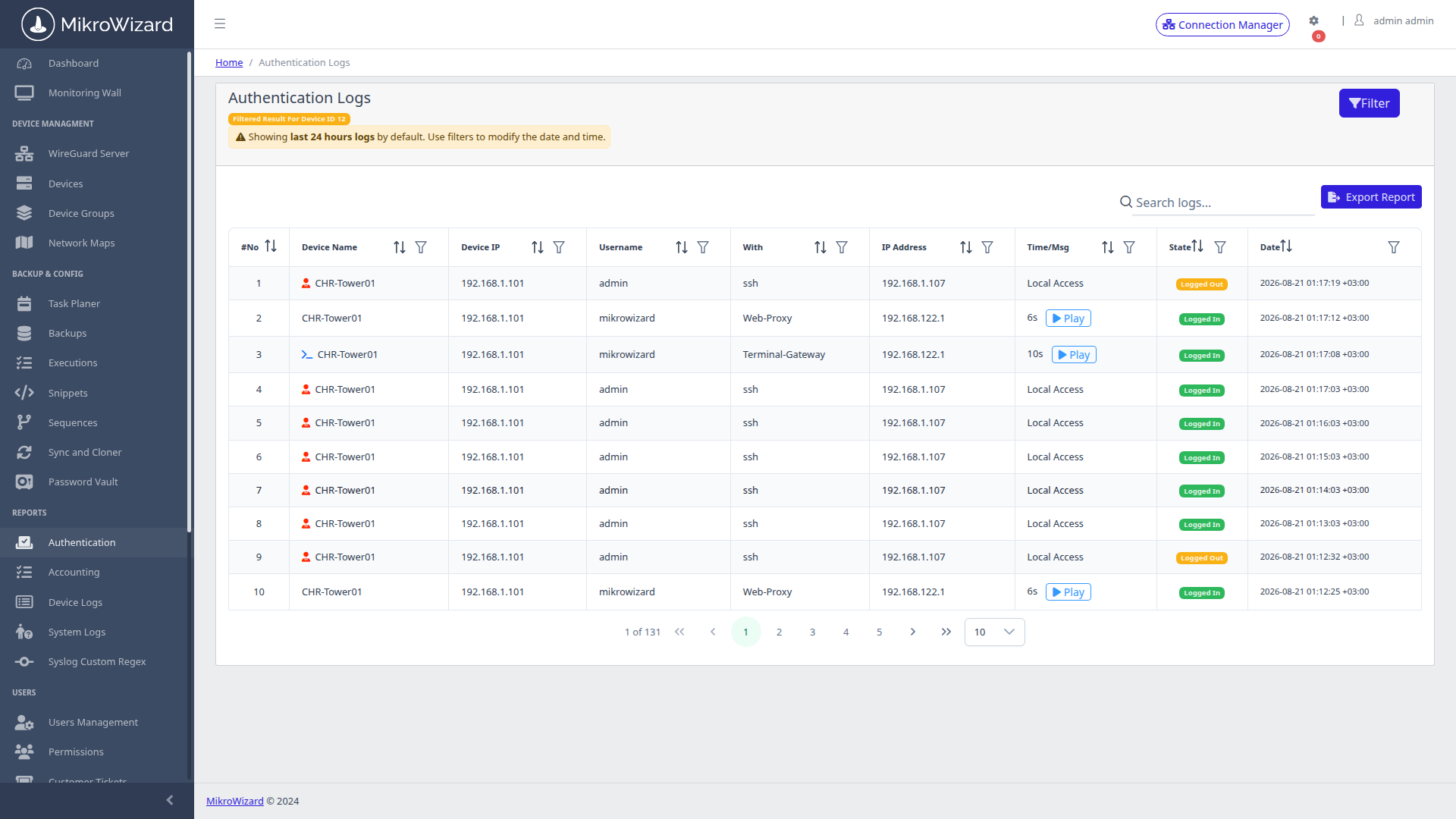
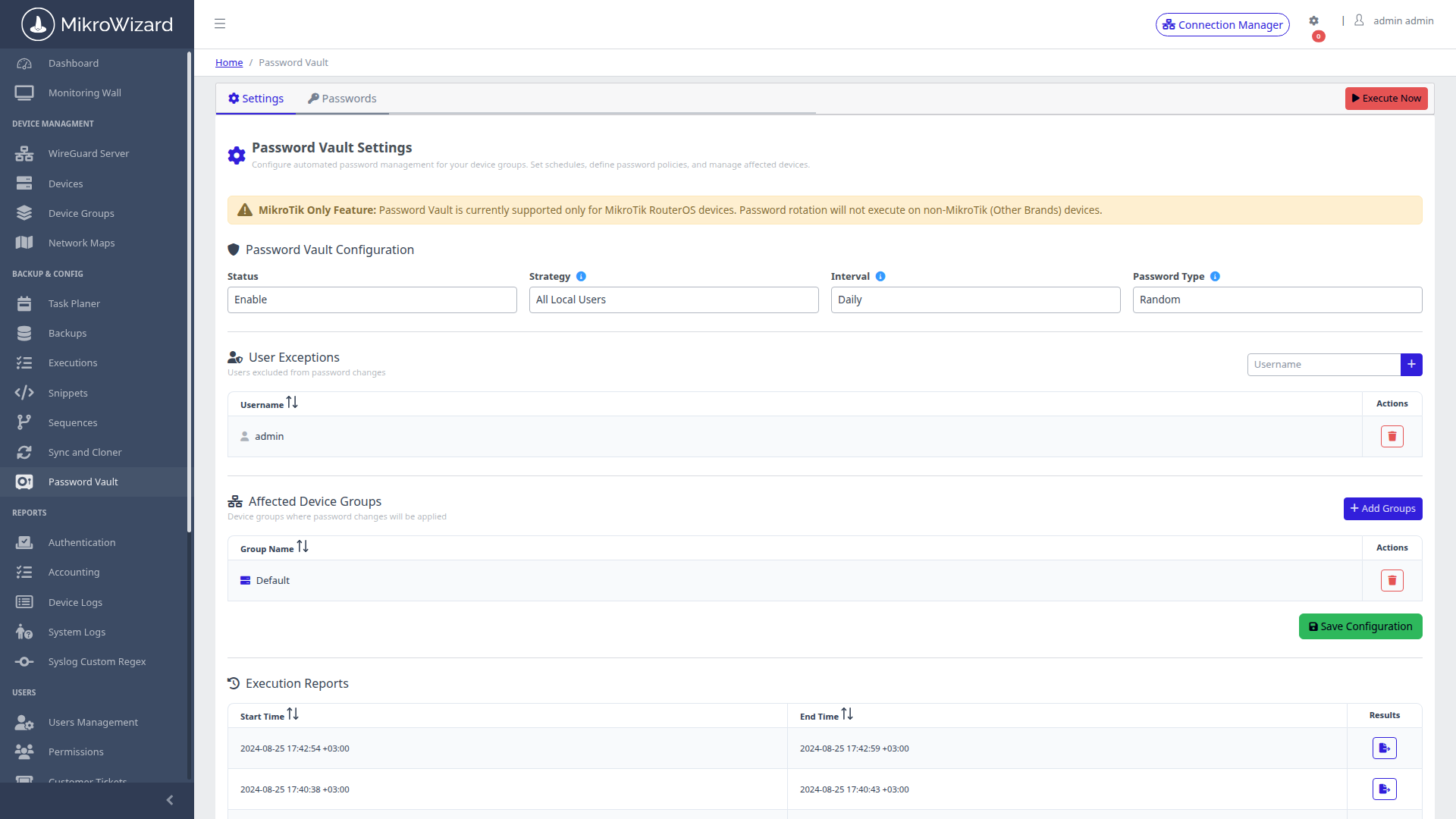
Stop storing router administrative passwords in unencrypted spreadsheets. The integrated vault secures all access credentials with envelope encryption: each credential gets its own data key, wrapped by a master key.
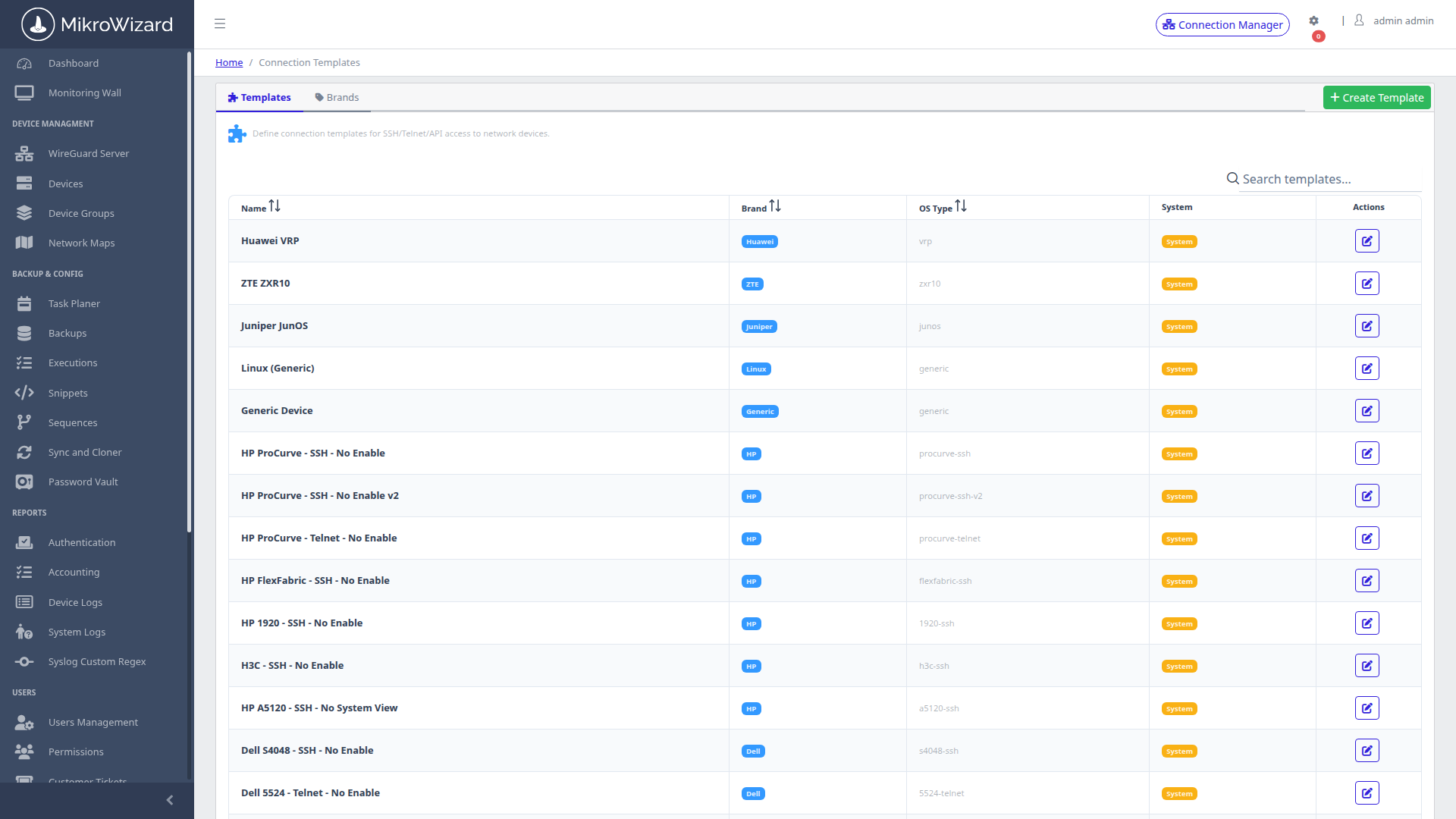
PAM is not limited to MikroTik RouterOS: MikroWizard's terminal engine includes dynamic protocol templates for Cisco IOS, Linux bash, VyOS, and EdgeOS.
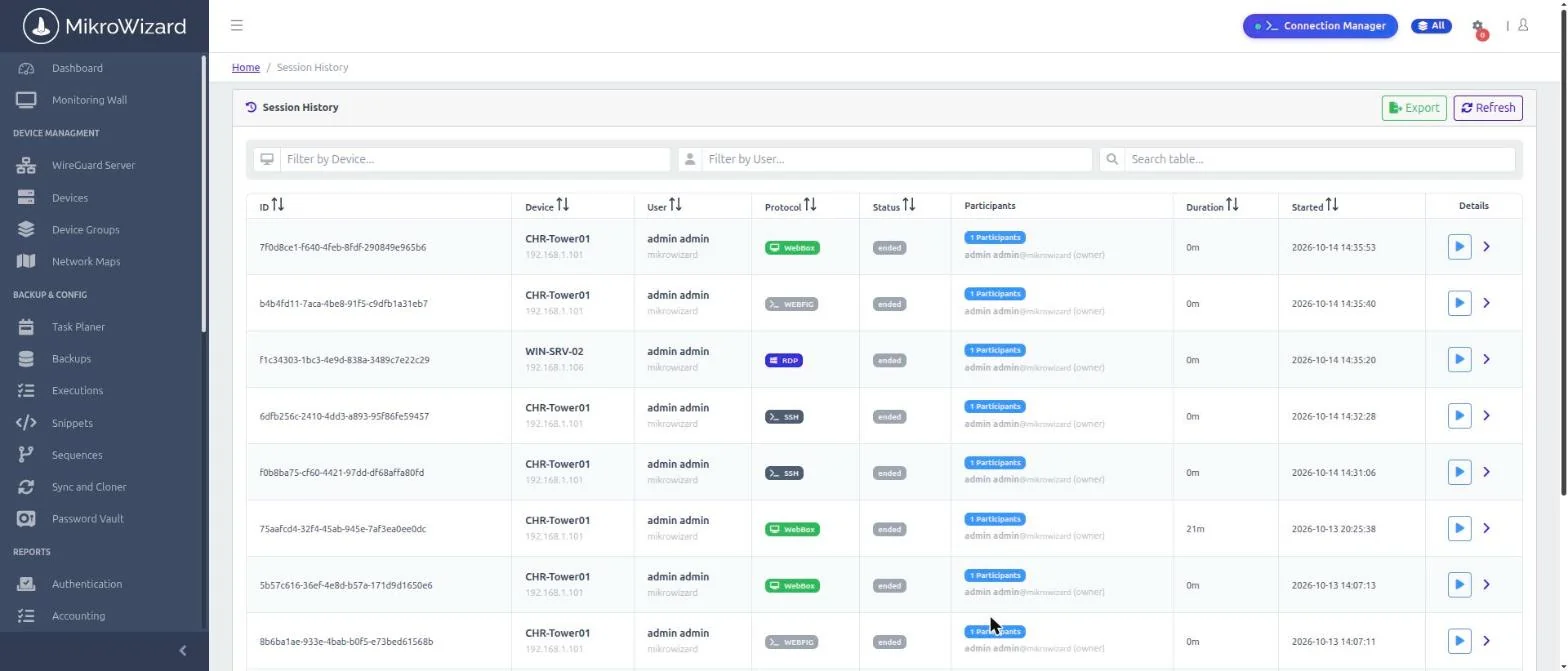
Every protocol is recorded and replayable in the browser: RDP and VNC replay in the browser, WebBox as MP4. Ended WebFig proxy sessions appear in session history too.
Deploy on-premises with Docker: one installer script deploys the core and all containers in about 5 minutes on a good connection. Experience zero-client terminal access, kernel policy enforcement, and live collaboration.

 MikroWizard